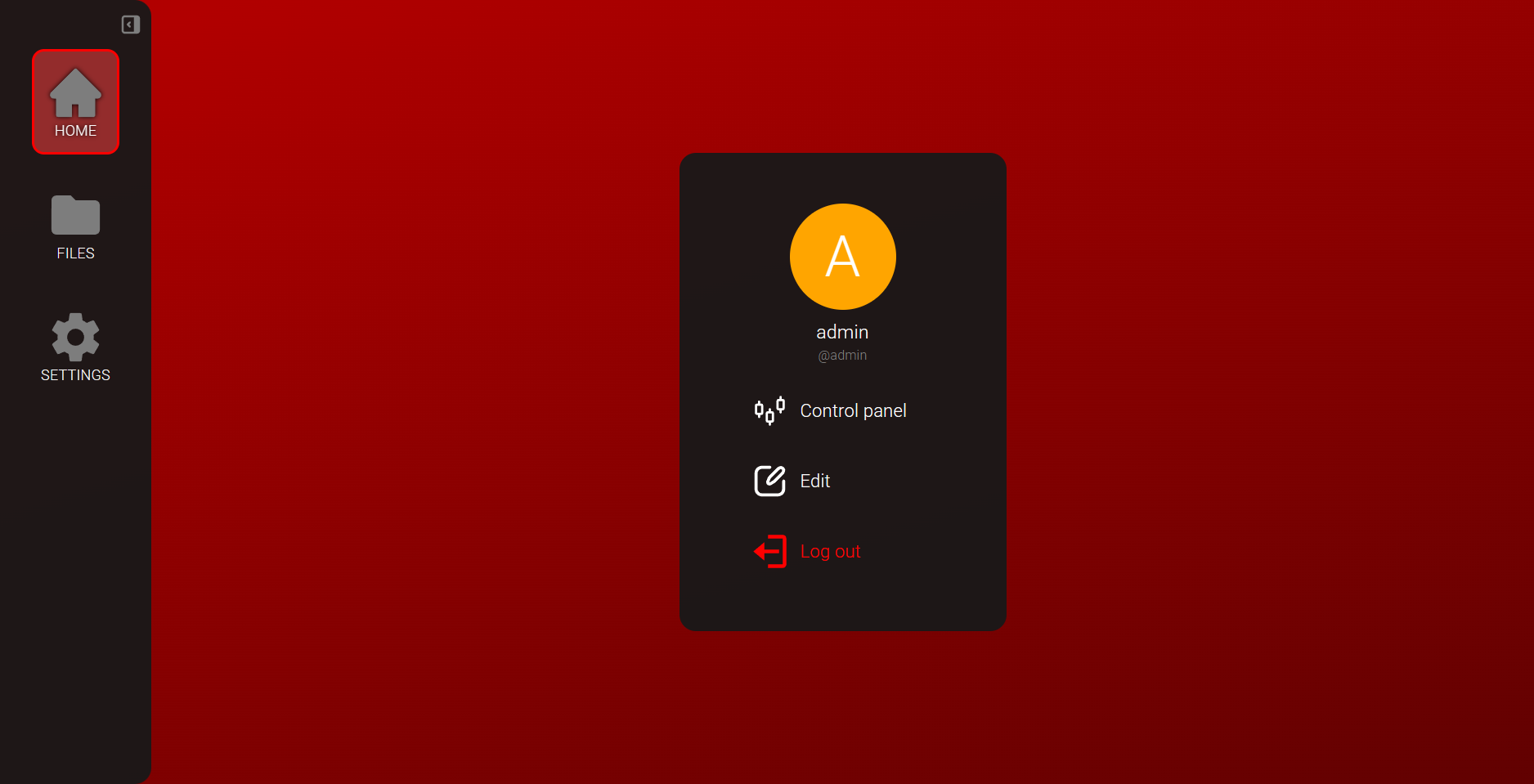
User System
In TizonaHub, you can create, edit, and delete users. Each user has access to their own private folder, so the files inside it are not accessible to others. There are three types of users based on their role:
- Super admin: The super user of the server. Can edit and delete any user, including changing their role.
- Admin: Can edit and delete any user except the "Super admin" and other "Admin" users.
- User: A regular user with no privileges. Cannot access the control panel and can only edit their own data or delete their own account.
Create a user
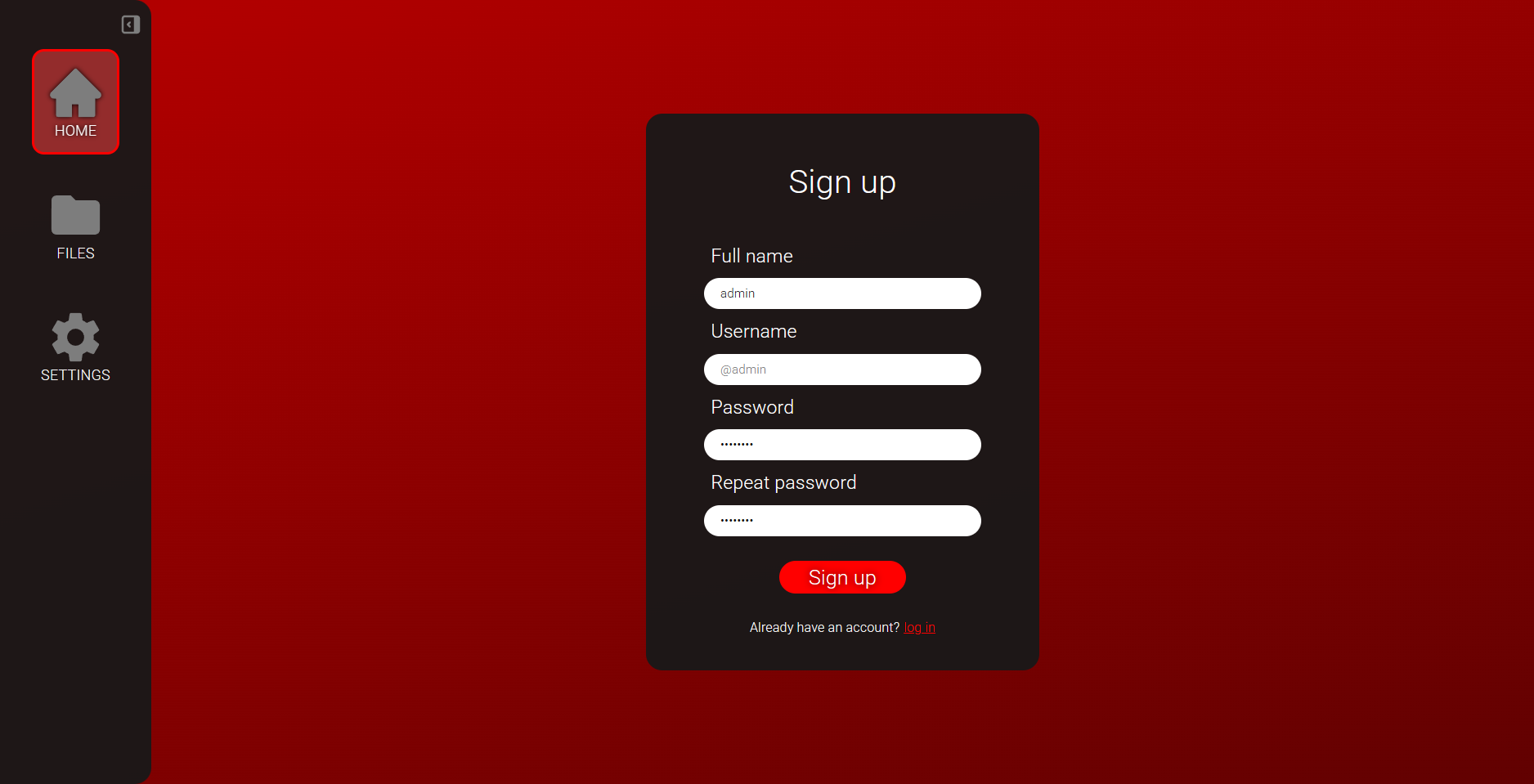
To do so, go to the HOME tab where you can register a new user. The first user to register will be assigned the Super admin role. Important notes:
- If the Username field is empty, it will default to the full name.
- The password must be between 8 and 25 characters long.
Once the user is created and logged in, you will see this screen: